Web UI
Use the web interface for ChatGPT-style interaction in your local environment.
The Web UI is built with Chainlit and provides a user-friendly interface for chatting with your installed FermiLink packages.
Fast path (recommended)
If you have already completed Installation, this is the only workflow you need to get the Web UI running.
fermilink start
Then your browser will automatically open the following webpage:
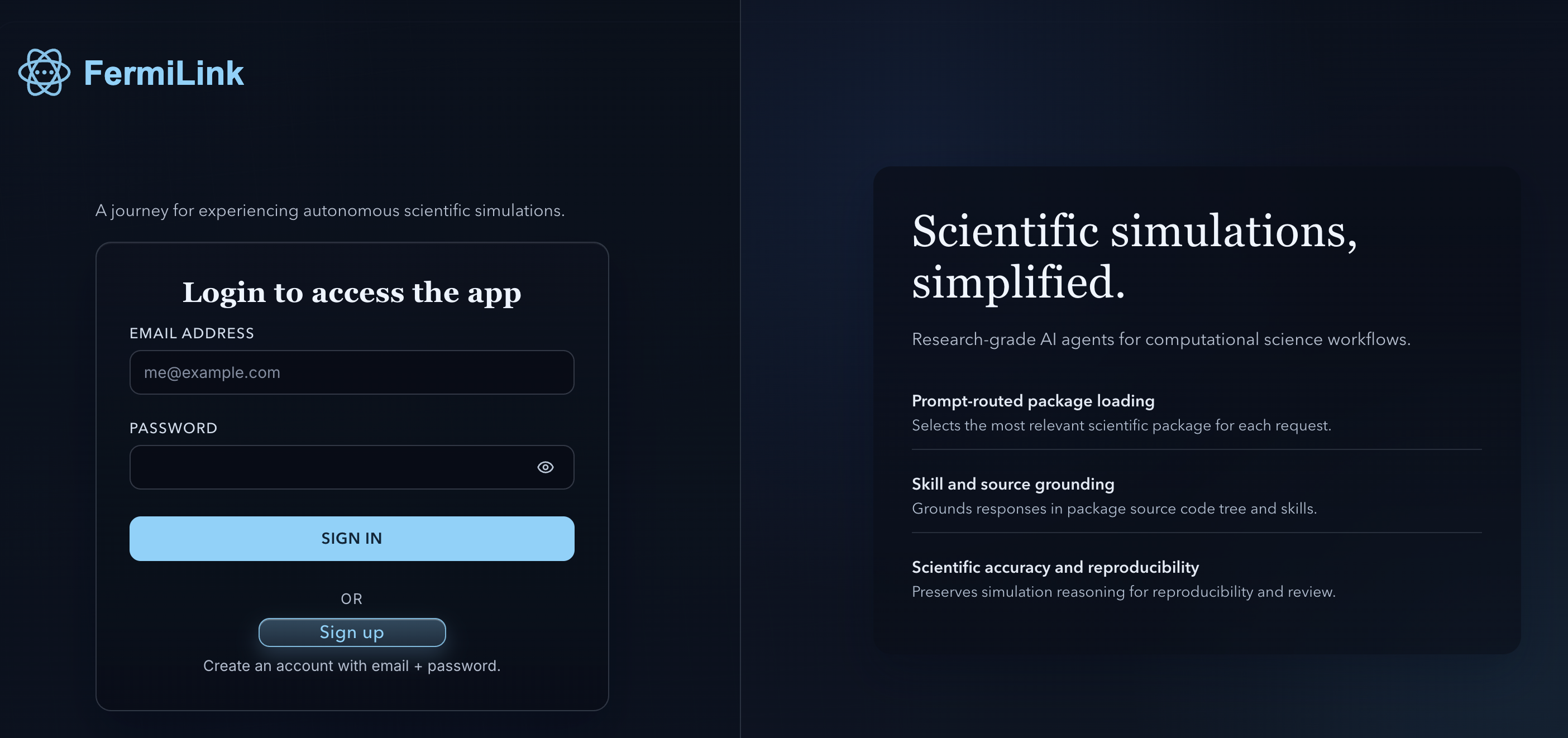
Sign UP with an account and then Sign In. You can then enjoy a ChatGPT-style interface with the same agent capabilities as the terminal, but with better interactivity and visualization support.
/package list
to check the locally installed packages for FermiLink. If you see installed packages in the list, you are ready to chat. If you did not install any packages yet, install one with:
fermilink avail <package_id>
fermilink install <package_id> --activate
What fermilink start launches
fermilink start launches two local processes:
runner: FastAPI execution backend (default:
http://127.0.0.1:8000)web: Chainlit Web UI (default:
http://127.0.0.1:7860)
Service logs are written under $FERMILINK_RUNTIME_ROOT/logs/.
Start, stop, and check web UI status
If you need to stop or restart the services, use the following commands:
# start the local runner + web UI
fermilink start

# check status
fermilink status

# restart services
fermilink restart

# stop services
fermilink stop
Where your work lives
In Web UI mode, each chat message runs inside a session workspace repo under:
$FERMILINK_WORKSPACES_ROOT/<session_id>/repo
The default $FERMILINK_WORKSPACES_ROOT path is ~/.fermilink/.
Inside each chat thread, you can find:
projects/memory.md: unified short-term/long-term memory used across turnsprojects/: place for simulation folders and reports
To find recent workspaces on disk:
FERMILINK_WORKSPACES_ROOT=$HOME/.fermilink/workspaces
ls -t "$FERMILINK_WORKSPACES_ROOT" | head
Then inspect one session:
ls "$FERMILINK_WORKSPACES_ROOT/<session_id>/repo"
Troubleshooting (common first-run issues)
Web UI shows no packages: install at least one package and activate it:
fermilink install <package_id> --activate
Runner fails with a provider error: ensure the active provider CLI (
codex,claude, orgemini) is onPATHand authenticated, then restart.You can check or change provider selection with
fermilink agent:# check current provider and reasoning effort fermilink agent --json # switch to Codex with high reasoning effort fermilink agent codex --sandbox --model gpt-5.3-codex --reasoning-effort xhigh # switch to Claude with relaxed sandbox for better performance fermilink agent claude --bypass-sandbox --model sonnet --reasoning-effort high # restart the web UI service of FermiLink to apply the new provider settings fermilink restart
Ports already in use: stop the conflicting process, or override the commands (see below).
Package selection inside the UI
FermiLink routes each message to an installed package (keyword router + optional second-guess preflight). You can also pin a package for the current chat.
Use /package help in the UI for the built-in command list. The most common
commands are:
/package list
/package current
/package use meep
/package auto on
/package auto off
/package clear
Notes:
Auto routing is per-chat; it can switch packages between turns when enabled.
Manual
/package use ...pins always take precedence until you clear them.If you see “no packages”, install one with
fermilink install <id> --activate.Generated figures/documents are attached from either referenced paths in the assistant reply or detected created/updated files under the workspace artifact directories.
Advanced: override ports/hosts (optional)
To override host/port without editing code, set command overrides:
export FERMILINK_RUNNER_CMD="uvicorn fermilink.runner.app:app --host 127.0.0.1 --port 8000"
export FERMILINK_WEB_CMD="chainlit run src/fermilink/web/app.py --host 127.0.0.1 --port 7860"
Then start normally:
fermilink start
Advanced: accounts and signup
The Web UI uses password authentication and supports multiple accounts. You can manage accounts with the following commands:
Common controls:
FERMILINK_AUTH_SIGNUP_ENABLED: allow self-signup (default: true)FERMILINK_AUTH_AUTO_REGISTER: auto-create a user record on first login (default: false; convenient for single-user/local setups)FERMILINK_AUTH_MAX_USERS: cap the number of accounts (0means unlimited)FERMILINK_AUTH_MIN_PASSWORD_LEN: minimum password length (default: 8)
To keep sessions stable across restarts, optionally set a persistent secret:
export FERMILINK_CHAINLIT_AUTH_SECRET="<random-secret>"
Advanced: Host this web UI for your team or class
We have tested that this Web service can be hosted on a server and accessed remotely with a proper IP adress or domain name. This might be useful for teaching purposes or team collaboration.
See also
Installation for full setup.
Advanced Configuration for runtime variables.
install: Built-In Scientific Package Management for package install/compile/recompile workflows.
Architecture for request flow and streaming contracts.